
We Inspect and Document
Equity Geeks photographs, measures, and records observed physical property conditions for repair planning.
Storm Overview & Property Documentation
Enter your address to review nearby weather records. If the history supports a closer look, request an on-site inspection where we photograph, measure, and document the property's physical condition.
Weather history identifies possible exposure. Only a physical inspection can establish property damage.
Direct On-Site Inspection
Request an on-site inspection directly, or check the property's weather history first. Our team will follow up to schedule the visit.
Evidence Before Conclusions
Weather data can show that a property may have been exposed. The roof and exterior conditions show what physically exists today. Neither should be interpreted alone.
An isolated mark is not a pattern. A photograph without a location is not a complete record. A repair recommendation without measurements leaves important questions unanswered.
Equity Geeks brings weather context, photographs, measurements, and observed physical conditions into one traceable inspection process before recommending repair work.
One Traceable Process
The complete process starts with available weather records, tests that context against the property, and ends with a repair decision grounded in observed conditions.
Review available hail, wind, warning, and proximity records near the address. This identifies possible exposure; it does not establish property damage.
Photograph and measure roof surfaces, exterior elevations, drainage systems, and relevant interior conditions. The physical pattern determines what the evidence can responsibly support.
Connect photographs, measurements, locations, and physical-condition findings so observed facts remain separate from assumptions and unresolved questions.
When repair work is supported, Equity Geeks prepares its own construction scope and proposal based on measured property conditions.
We explain our inspection and proposed repairs. Coverage, claim negotiation, and legal questions remain with insurers and appropriately licensed professionals.
Why that order matters: Weather context, physical evidence, and repair planning stay connected without turning an early assumption into the conclusion.
Begin With My AddressWhat the Visit Actually Covers
An inspection is not a hunt for a predetermined answer. It is a structured review of the places storm effects tend to appear, the places they do not, and the physical details needed to separate exposure from ordinary aging or maintenance.
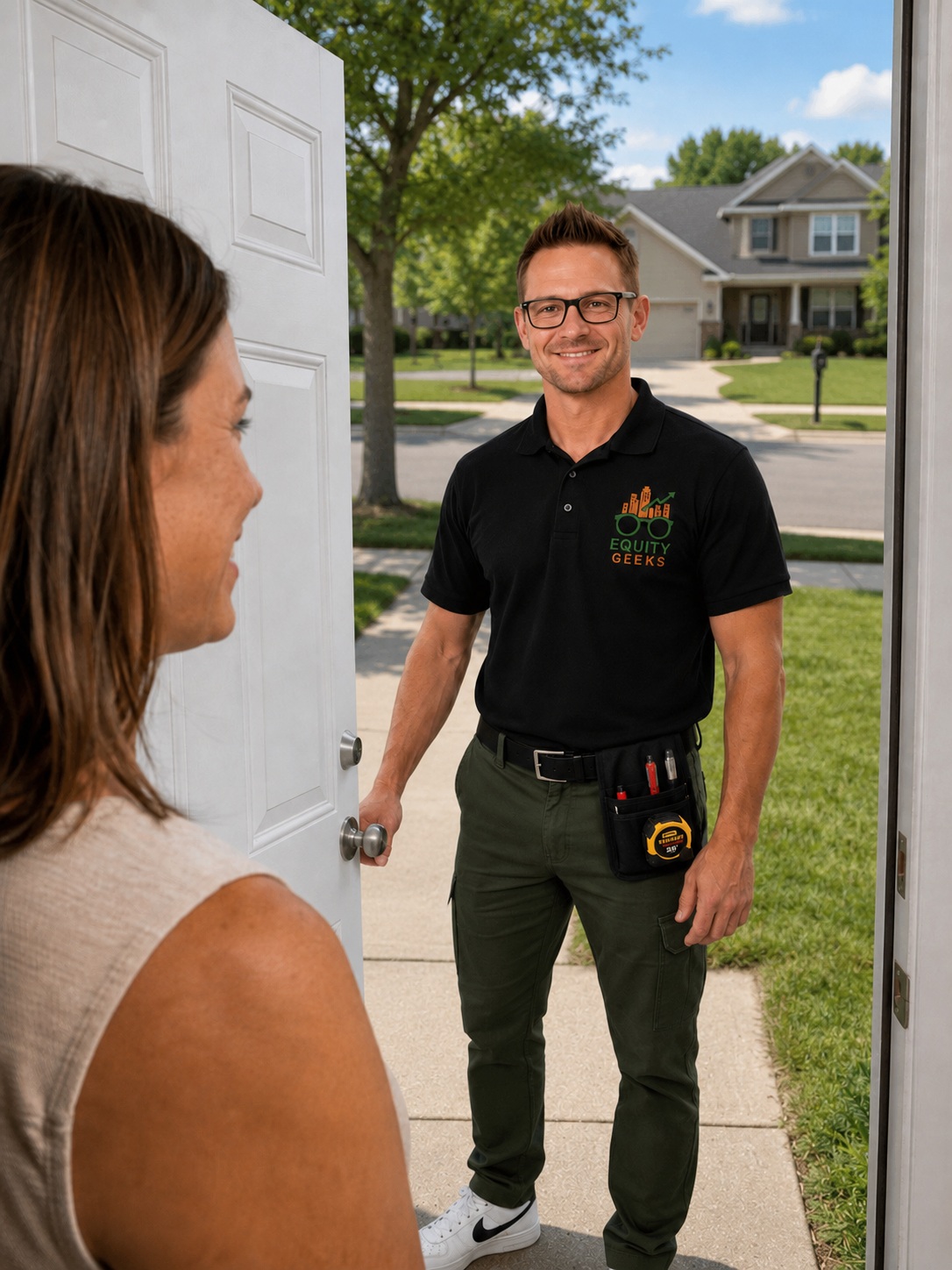
The visit begins with what you noticed, when you noticed it, and the property context the field review needs to test.

These exterior components can preserve directional marks and help establish whether a pattern agrees with the storm path.

Each elevation is checked for a repeated physical pattern, not a single isolated mark viewed without context.
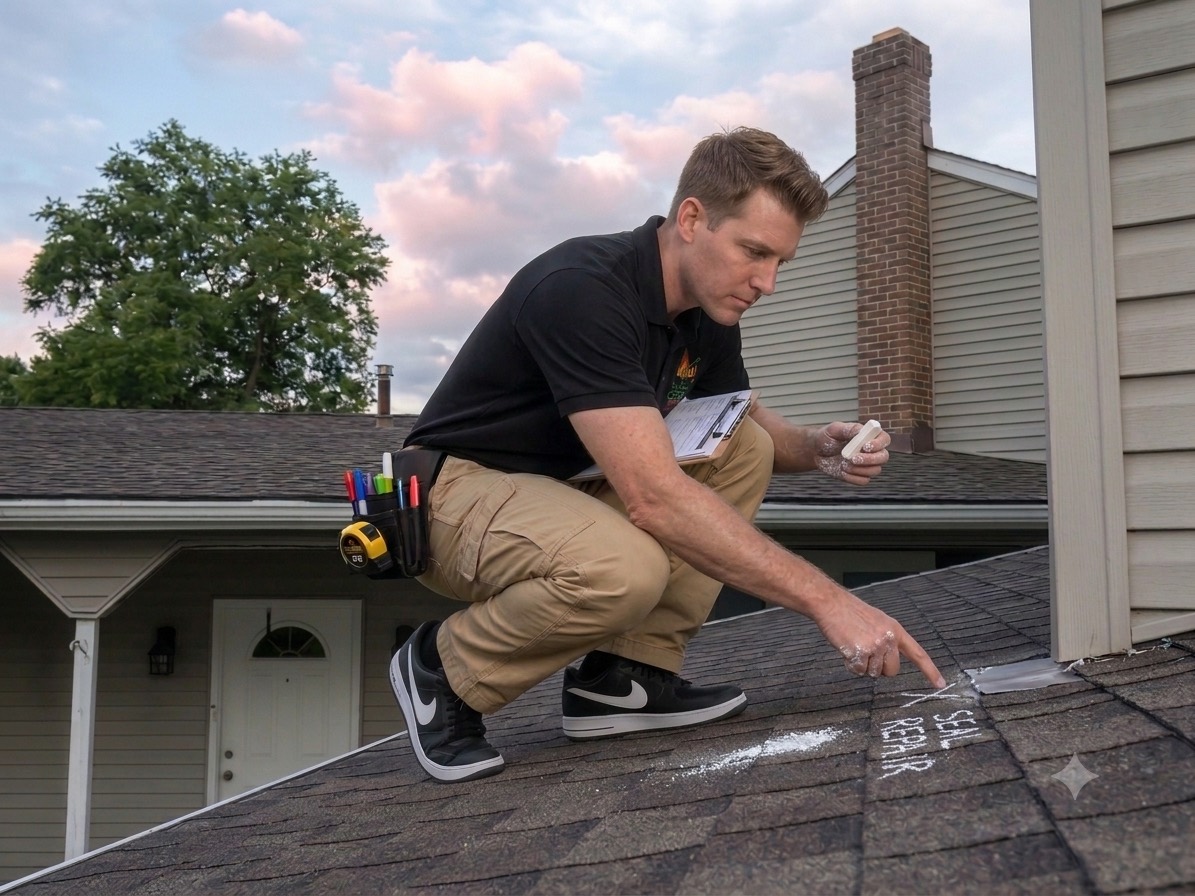
When access is safe and appropriate, a qualified inspector records overview, test-square, close-up, flashing, and collateral evidence. Homeowners are never asked to climb onto the roof.

From Finding to Meaning
A mark, photograph, or weather warning is not a conclusion by itself. We show where the evidence agrees, where it conflicts, and what the inspection can responsibly establish for repair planning. Inspection findings are not insurance coverage determinations.
Review weather history for my propertyClear Roles Protect Good Decisions
A homeowner should always know which professional is responsible for each conclusion. Equity Geeks stays inside the work we are qualified and authorized to perform.
Equity Geeks photographs, measures, and records observed physical property conditions for repair planning.
When repairs are supported, Equity Geeks prepares and prices the construction work it proposes to perform.
A licensed public adjuster or attorney may independently advise a homeowner about a disputed insurance or legal matter. Equity Geeks does not direct that professional's conclusions.
Our role stays the same from first inspection through construction: establish the physical record, explain the proposed repair work, and remain inside the contractor's professional scope.
Coverage and payment decisions belong to insurers and other authorized professionals. Equity Geeks does not interpret insurance policies, adjust claims, negotiate settlements, or provide legal advice.
A Complete Property Record
You receive a traceable basis for the repair decision. Weather context, measurements, photographs, physical findings, and the Equity Geeks proposal stay connected without overstating what any one source can prove.
Check My PropertyWhat You Receive
Available public records near the address are organized with their source limits clearly stated.
Relevant roof, exterior, drainage, and interior conditions are photographed and measured.
Observed patterns, conflicting evidence, and unresolved questions are recorded for repair planning.
When repairs are supported, we price the construction work we propose. The homeowner decides whether to authorize it.

Northeast Ohio / Veteran-Founded
We're a Northeast Ohio firm built around a simple discipline: inspect the physical property, preserve the evidence, and understand the repair need before recommending construction.
So we built the documentation engine. Our proprietary field software, powered by StraightLine Forensics, brings property details, storm context, measurements, photographs, and estimating workflow into one documented process.
Equity Geeks inspects property, documents physical property conditions, measures repair quantities, prepares its own repair proposals, and performs homeowner-authorized construction. We do not interpret insurance coverage, do not represent homeowners in claims, do not negotiate settlements, and do not provide legal advice.
Straight Answers
No. It organizes available weather records near the address and explains their limits. Only a physical inspection can establish the property's observed condition and whether repair work is supported.
You review available weather context, build a saved report, and can answer four questions about what you observed. If you have an estimate, you may add it for a review of the facts stated on the document. You then choose whether to request human review or an on-site inspection.
We review the property context, photograph and measure relevant exterior systems, document accessible roof conditions when safe and appropriate, and record relevant interior conditions. Homeowners are never asked to climb onto the roof.
No. We do not adjust or negotiate insurance claims, interpret policy coverage, determine benefits, or advise what an insurer owes. We document observed property conditions and explain the construction work we propose.
Equity Geeks cannot interpret or challenge an insurance decision. We can inspect current physical conditions and provide factual property documentation. Questions about disputing a claim require independent advice from a licensed public adjuster or attorney.
The initial on-site inspection is free and carries no obligation. If repairs are supported, Equity Geeks provides its own construction proposal. Work begins only after the homeowner authorizes that proposal. Insurance coverage and payment are separate decisions.
Property First
Start with the address, understand what the available records can and cannot establish, and choose whether to request the on-site inspection.
Check My Property No obligation. No pressure. The website provides weather context; it does not issue an automated property-damage, causation, coverage, or claim-value conclusion.